OpenHeronBrowser: a web browser with its own engine, written from scratch in Rust
Version 1.0.0 is out as a desktop demo for macOS, Windows and Linux. It scores 97/100 on Acid3, opens Discord, runs VS Code for the Web and boots Windows 1.01 in v86.
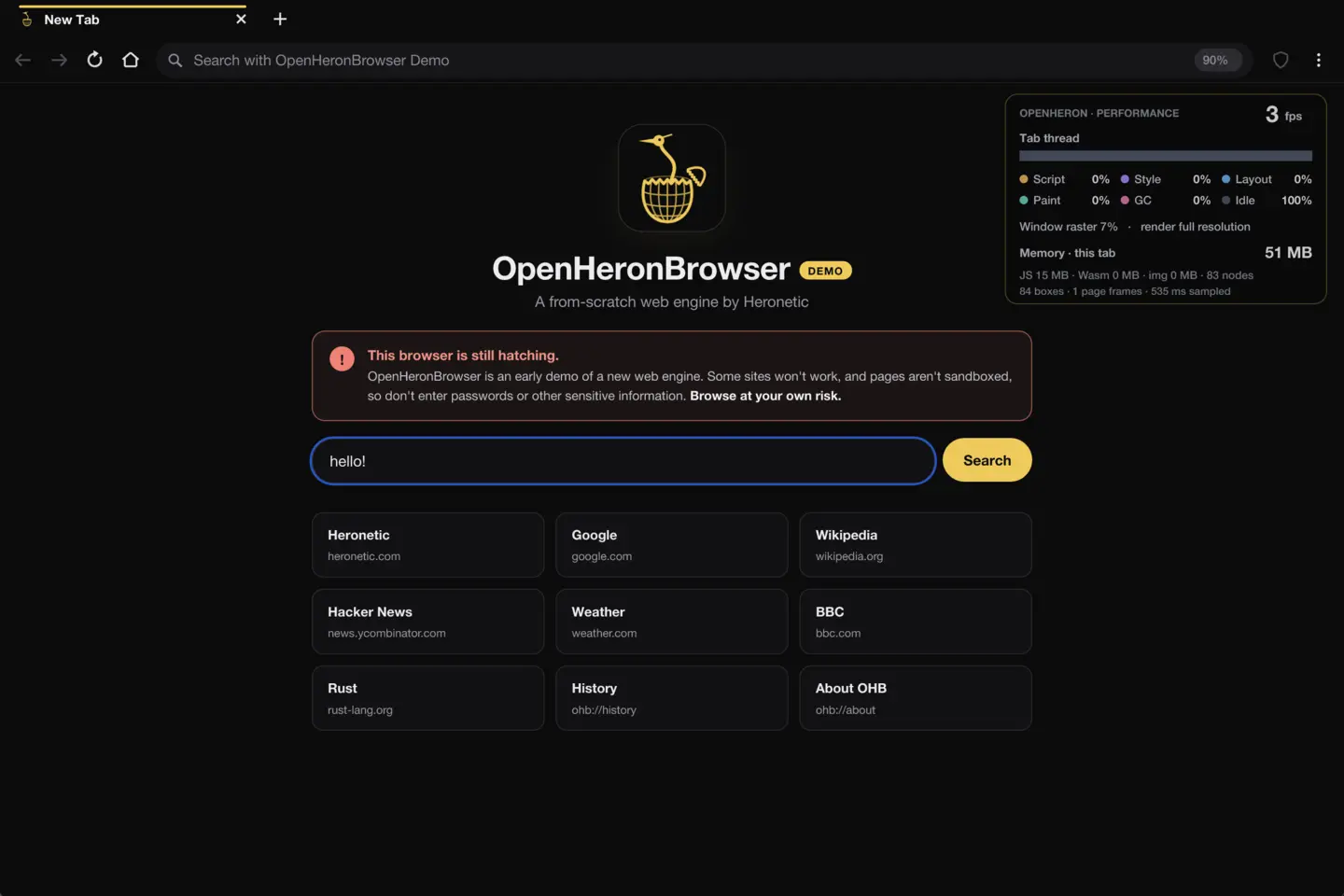
Almost every browser today is built on one of three engines: Chromium's Blink, Apple's WebKit or Mozilla's Gecko. OpenHeronBrowser (OHB) is a desktop browser built on a fourth. Its HTML parser, CSS engine, layout, text, painting, DOM and networking are written from scratch in Rust, and none of it is borrowed from the other three.
Version 1.0.0 is out now as a demo for macOS, Windows and Linux. The source is on GitHub under the Apache 2.0 license.
What it runs
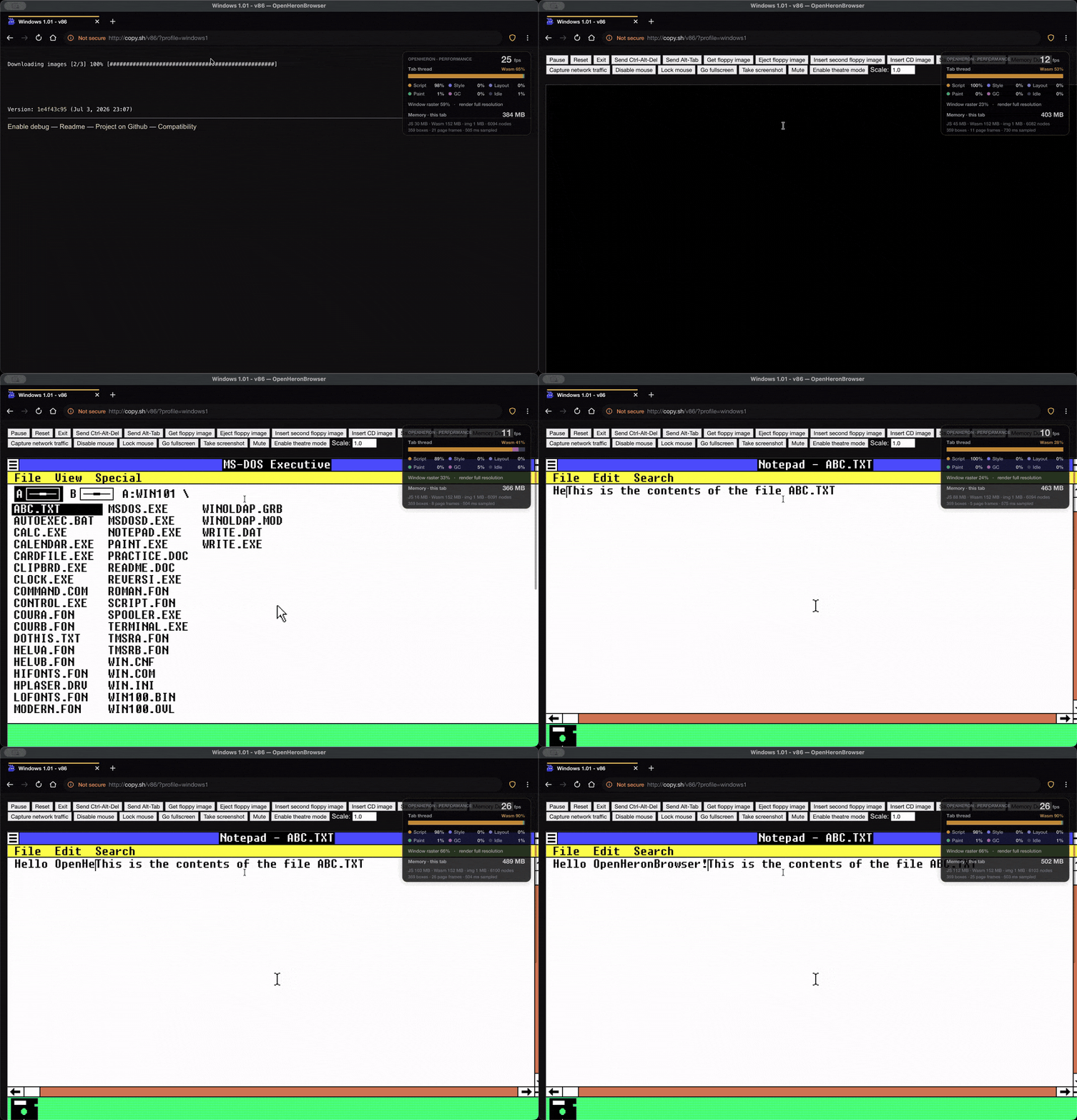
Most websites render. Script-heavy ones are slower than in Chrome, because JavaScript is interpreted. Sites tested by hand include:
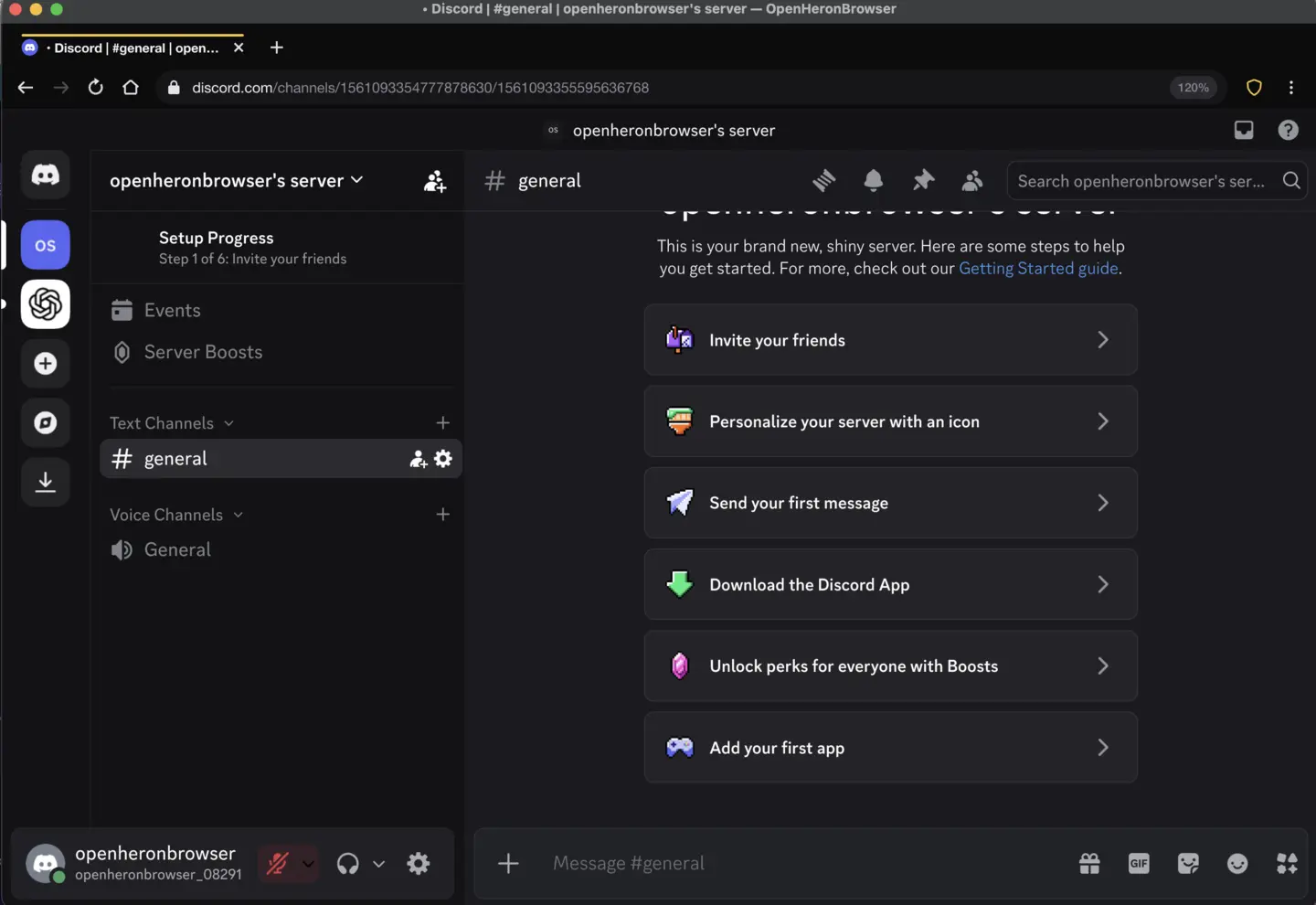
- Web apps: VS Code for the Web, X, Reddit, Mastodon, ChatGPT and claude.ai. Discord opens and signs in. YouTube browsing works, but video playback doesn't yet.
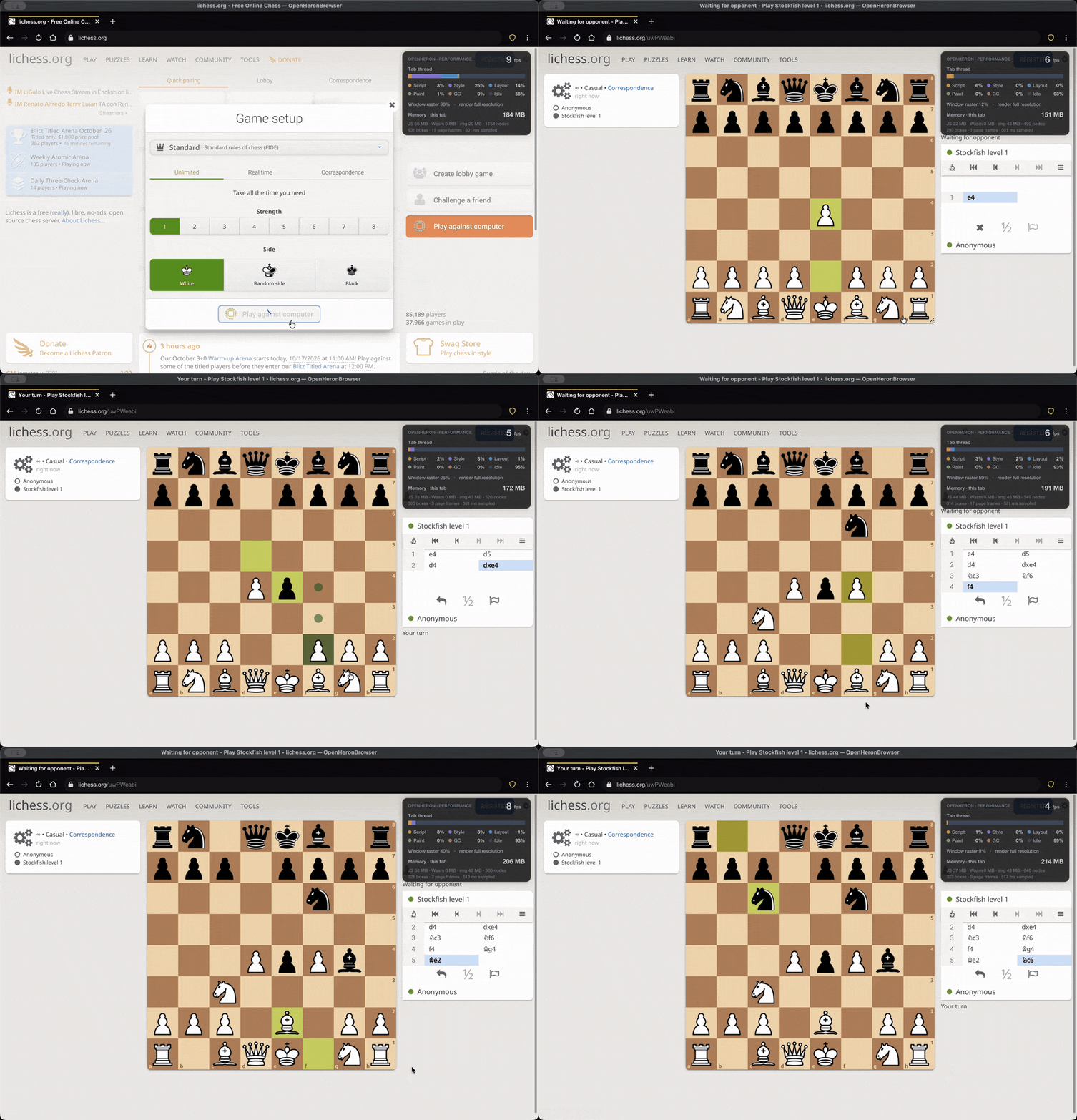
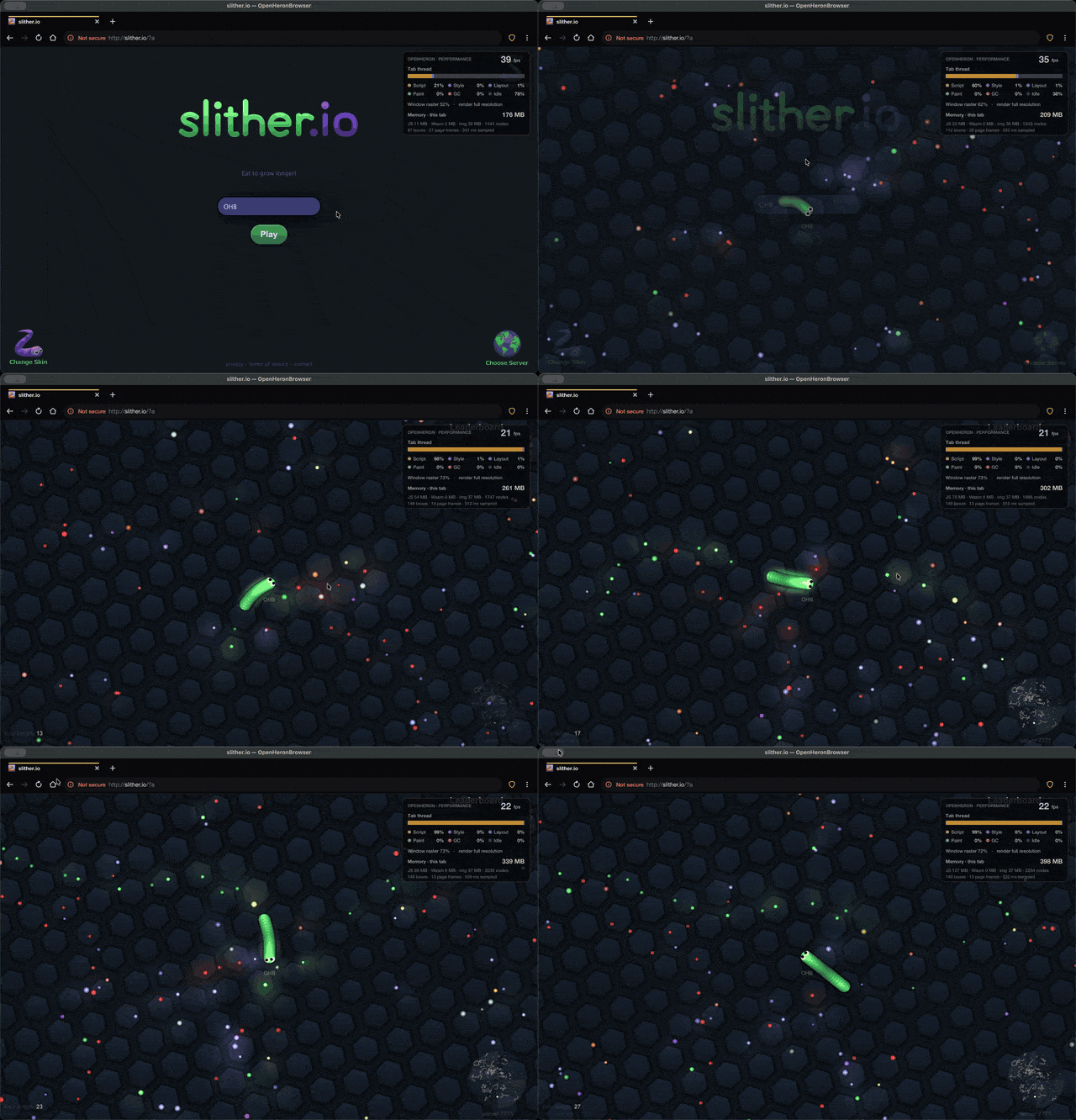
- Games: lichess.org (including live games), slither.io, skribbl.io and Wordle.
- Emulators: JSLinux and v86, both running in WebAssembly.
- Sign-ins: Microsoft, GitHub and Hugging Face, including reCAPTCHA challenges.
| Test | Result |
|---|---|
| Acid3 | 97/100, the same as current Chromium |
| Acid2 | Passes |
| html5test | 483/555 (Firefox 509, Chrome 523) |
| web-platform-tests | 66,596 of 69,049 subtests (96%) across DOM, CSSOM View, UI Events, forms and selectors |
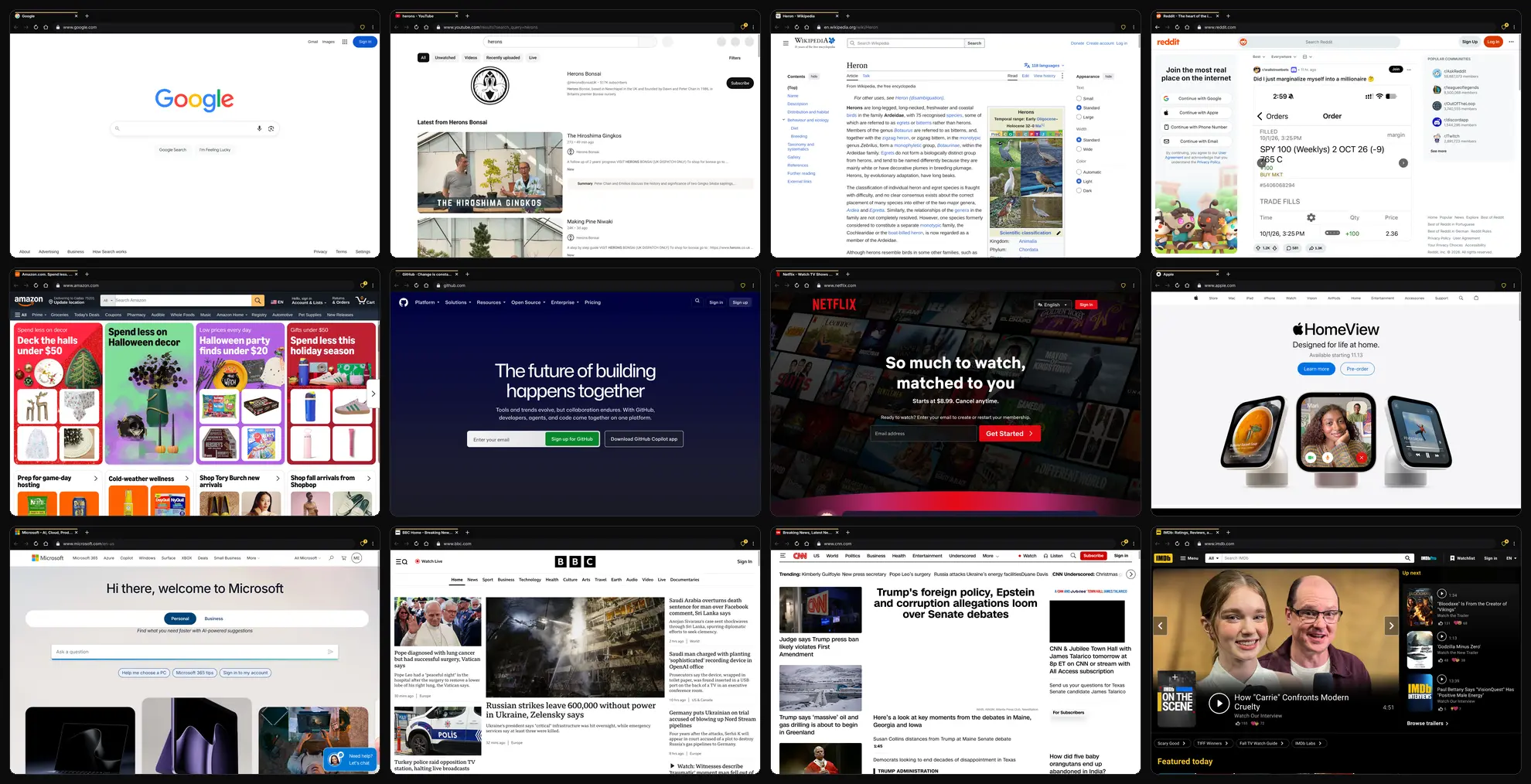
How it works
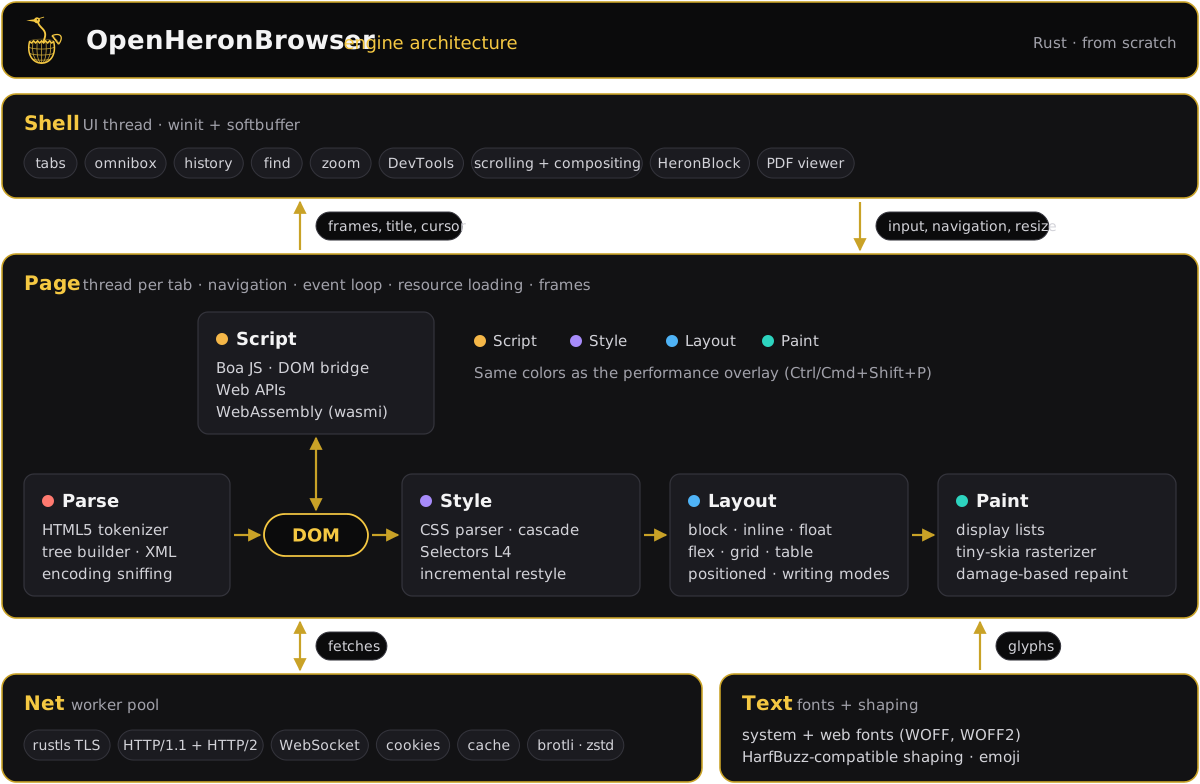
The shell runs on the UI thread, with winit for windows and input and softbuffer to put pixels on screen. Each tab gets its own thread, which parses HTML into a DOM, runs scripts, computes styles, lays out the page and paints it. A worker pool handles networking with rustls, HTTP/2 and WebSocket.
The engine and browser are about 85,000 lines of Rust, plus about 23,000 lines of JavaScript that implement the DOM and Web APIs on top of the engine. JavaScript runs on Boa, an interpreter written in Rust. We patched it for speed: faster variable lookups, lazily created environments, parse caching across realms and a garbage collector tuned for large apps. WebAssembly runs on wasmi.
Restyles are incremental. Each DOM change records what it touched, and only the affected elements are restyled. Painting is damage-based, so only the part of the window that changed is redrawn, and scrolling shifts pixels instead of repainting them. The browser around the engine has tabs, an omnibox, a built-in PDF viewer, the HeronBlock content blocker, DevTools and a performance overlay that shows where each frame's time goes.
Limitations
This is a demo, not a daily driver. Don't use it for banking, work or anything sensitive.
- A bit slow. Pages load and respond more slowly than in mainstream browsers. Snappiness and speed improvements are still to come.
- CPU-only rendering. There is no GPU acceleration. Everything is drawn on the CPU with tiny-skia, so big windows and heavy effects are slower than in mainstream browsers.
- Not sandboxed. Tabs are threads in one process. A crashed tab won't take the browser down, but pages don't run in separate, locked-down processes the way they do in Chrome or Firefox.
- No JIT. JavaScript is interpreted, so large apps like VS Code and Discord feel slower.
- Media. No video playback, no full audio playback yet and no WebGL.
- Google sign-in. Google blocks Gmail sign-in from browsers it doesn't recognize.
How it was built
OHB was built with substantial help from AI. Much of the code was written by Claude Opus 5.5, Anthropic's AI model. Marissa Tanner monitored the work and tested it, and compatibility was checked continuously against Chromium and the web-platform-tests.
Try it
Downloads for macOS (Apple Silicon and Intel), Windows and Linux (x86_64 and arm64) are on the releases page. The builds are unsigned, so macOS and Windows ask for confirmation the first time. To build from source you need Rust 1.90 or newer and a C compiler. See BUILDING.md.